
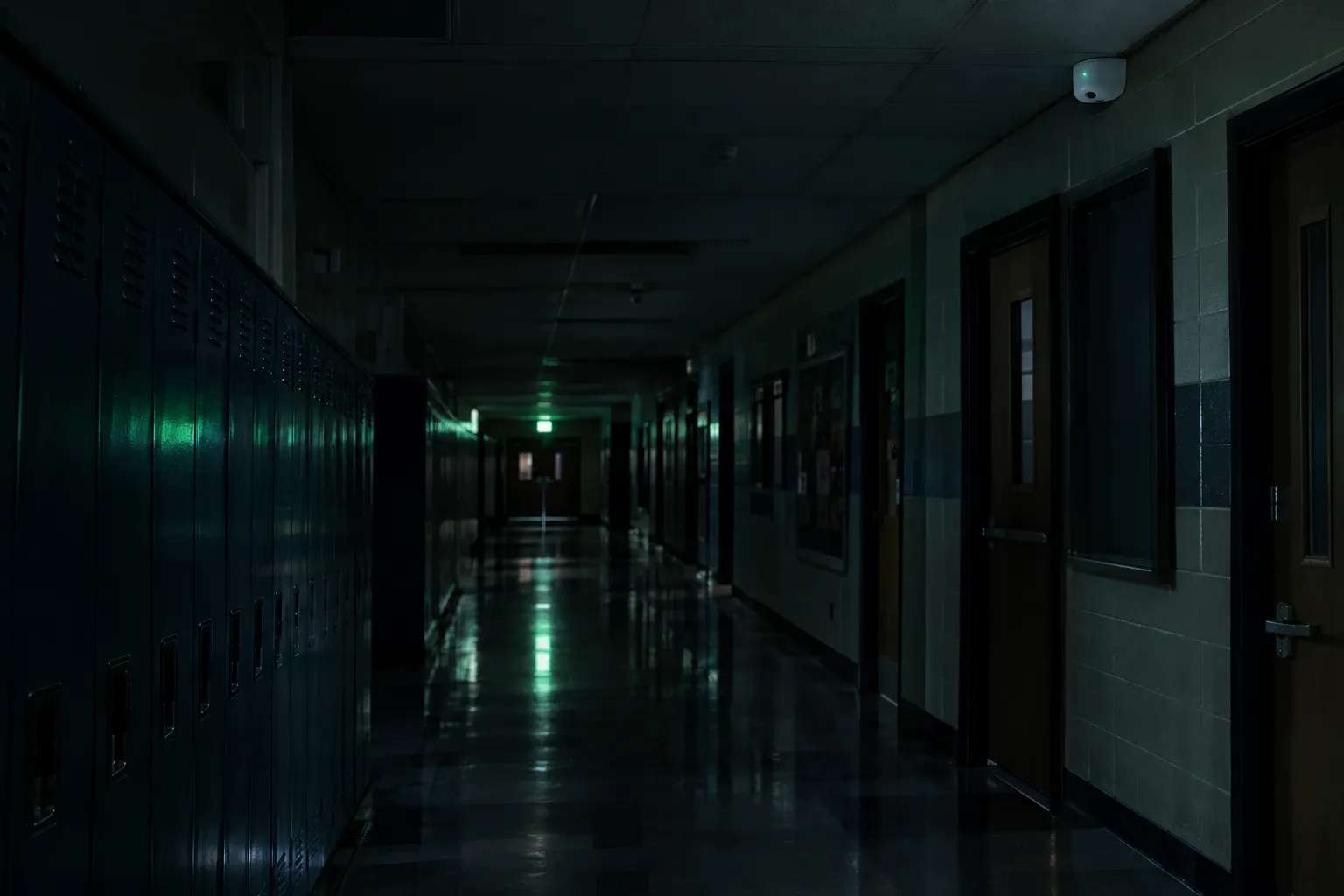
Intrusion protection for schools – without video surveillance inside.
Motion detectors with photo verification that only take a still image when the system is armed and only when an alarm occurs. During school hours all cameras are off. Tailored to school operations and strict data protection requirements.
Three states. Only one produces an image.
A photo is only taken when all three conditions are met at the same time: the system is armed, a detector senses movement and triggers an alarm – and only that particular detector takes a photo.
Schematic illustration. No photo detectors are installed in toilets, changing rooms or prayer rooms.
From alarm to decision.
Disarmed during operation
Teaching and working hours: the cameras are off, no images are taken.
Arming
The last authorised person arms the system when leaving – only possible when all doors and windows are closed. No photo is taken.
Motion detected
A detector senses movement via infrared (PIR) and immediately triggers an intrusion alarm.
2–3 still images
Only this detector takes 2 or 3 single images. All others stay off.
Encrypted transmission
The images are sent encrypted to the hub and then deleted in the detector.
Decision
The authorised people see the images and decide whether to call the police.
Photo detectors are not video cameras.
| Feature | Conventional video surveillance | Photo detectors by PP Infra |
|---|---|---|
| Recording type | Moving images, usually 15–30 frames per second | 2 or 3 still images per alarm |
| Recording period | permanently or on every movement, including during operation | only when the system is armed and in alarm |
| Live view | common | not available |
| Trigger | Time or any movement | Intrusion alarm of a specific detector |
| Resolution | typically Full HD to 4K | e.g. 960 × 720 pixels, usually infrared black and white |
| Capture during the school day | regularly | excluded while disarmed |
| Audio | often possible | no microphone |
| Recipients | often a security service or monitoring centre | only designated people at the school |
| Image analysis | depending on the system, e.g. person detection | no processing or analysis |
Only "Photo on alarm". Everything else off.
Technically, the detectors support several photo modes. That photos are only taken in an alarm results from the configuration – which is why we disclose it in full and document it with screenshots at handover.
| Photo mode | Status |
|---|---|
| Photo on alarm | enabled |
| Photo on request | disabled |
| Photo by scenario | disabled |
| Photo by schedule | disabled |
| Photo on arming/disarming | disabled |
| "Always active" mode | disabled |
An honest assessment.
Image capture – but the less intrusive means
Photo verification is image capture within the meaning of Section 12 of the Austrian Data Protection Act (DSG). What matters is the extent of the intrusion: the Data Protection Authority explicitly names security systems and motion detectors as less intrusive means compared to video surveillance. The photo only confirms an alarm that has already been triggered.
Limited in time, only when there is cause
Images only outside operating hours, so that pupils, teachers and staff are not captured. The image is only created when there is cause – on alarm.
Clearly defined group of people
Only the designated app users see alarm photos. Cleaning and technical staff arm and disarm with a tag or code, without app access and without image access. After handover, PP Infra has no regular access to images.
Excluded areas
No photo detectors are installed in changing rooms, sanitary facilities, break and common areas, rooms for religious practice or their entrances. We document mounting locations and viewing directions in the building plan.
This overview does not replace legal advice. Legal responsibility for operation lies with the controller.
A report the works council can understand too.
Concerns often arise because photo detectors are confused with video surveillance. That is why we supply every school system with a technical report including a data protection assessment – for school management, staff representatives and parent representatives.
- Technical report with system design, photo modes and distinction from video surveillance
- Screenshots of the configuration as evidence at handover
- Building plan with mounting locations and coverage areas
- Permissions concept and list of app users
University in Lower Austria
| Photo detectors (MotionCam) | 24 |
| Opening detectors (DoorProtect) | 29 |
| Radio repeaters | 4 |
| Outdoor sirens | 2 |
| Touchscreen keypads | 2 |
| Hub | Hub 2 Plus |
| Monitoring | no monitoring centre, no security service |
Security for your school – without cameras in the classroom.
We plan the system together with school management and the data protection officer, and supply the documentation for all committees as well.